Sep 26, 2026 · 1 min read
My Server Was at 90% RAM. I Didn't Add More. I Did the Opposite.
A box running a dozen Docker projects sat at 90% RAM, one spike from the OOM killer. The fix was not more memory. It was giving each container limits.

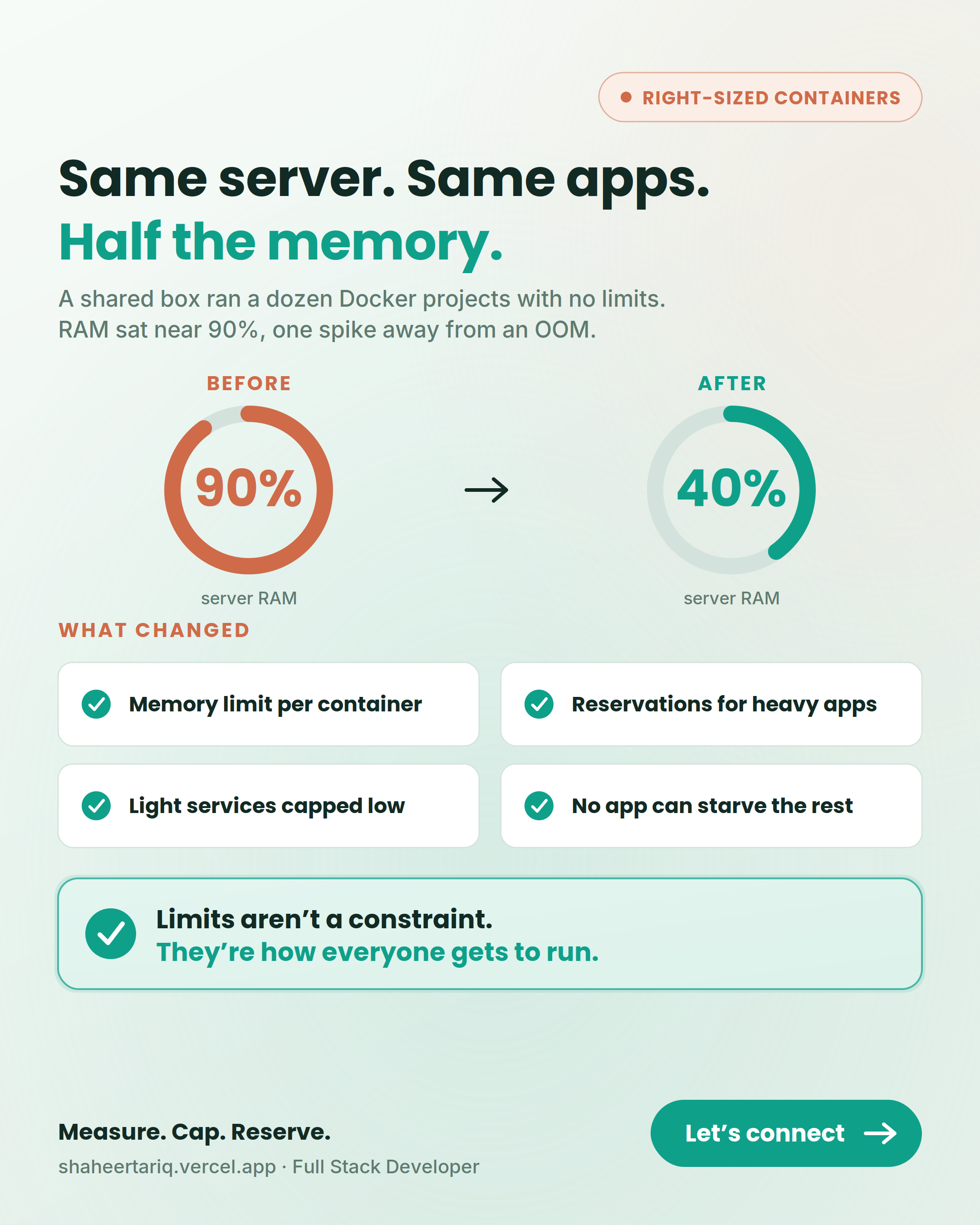
My client's server was sitting at 90% RAM. I didn't add more RAM. I did the opposite.
The box was running a dozen Docker projects side by side, and I had given none of them a memory limit. Every container was free to grab whatever it wanted. So they did. Usage crept up to almost 90%, which meant we were one traffic spike away from the OOM killer picking a victim at random.
The instinct is to scale up
The reflex in that moment is to throw hardware at it: bigger server, more memory, move on.
But the problem was not a shortage of memory. It was the absence of rules. Adding RAM would have bought a few weeks and then put me right back in the same spot, paying more for the same chaos.
The actual fix: give each container limits
So I gave each container a memory limit and a reservation, sized to how it actually behaves.
- The projects with heavy call volume got a higher ceiling.
- The quiet ones got capped low.
Now no single project can eat the whole box, and a busy one cannot starve the rest.
Same server. Same projects. RAM now sits steady around 40%.
The lesson
Limits are not there to punish your apps. They are how you fit everyone on the same machine without one bad day taking down all of them.
Blindly letting every container consume whatever it wants is not generosity. It is a deferred outage.
If you run multiple services on one host, are your containers actually bounded, or just trusting each other to behave?